

GPT Image 2 vs Nano Banana 2: Best AI Image Model 2026
The first time we put GPT Image 2 and Nano Banana 2 on the same desk, we ran the same 12 prompts through both APIs in the same hour. The latency gap showed up immediately — Nano Banana 2 returned in about 6 seconds per image, GPT Image 2 in 22 seconds. But latency is not the whole story. One of those prompts asked for a product photo with promotional text printed on the packaging, and only one model rendered the words correctly. That is the kind of detail that decides which model goes into a production pipeline.
OpenAI's GPT Image 2 (called gpt-image-2 in the API) and Google DeepMind's Nano Banana 2 — the second generation of the model originally leaked as "nano-banana" — are the two flagship image models people are actually picking between in 2026. Both claim photorealism. Both claim in-image text. Both claim editability. The marketing pages agree on everything; the actual outputs do not.
We ran identical prompts through both models across three image categories (photorealism, illustration, in-image text) and three editing tasks (local edit, style preservation, multi-object instruction). Same prompts, same reference images, blind rating by three reviewers. This guide gives you the verdict, the numbers, and a decision table you can hand to your team.
If you are searching GPT Image 2 vs Nano Banana 2 for ecommerce hero shots, social posts, posters, or product photo edits, keep reading.
Last updated: May 2026
Table of Contents
- What Are GPT Image 2 and Nano Banana 2?
- GPT Image 2 vs Nano Banana 2: Quick Verdict
- Image Quality Test: Realistic, Illustration, In-Image Text
- Edit Instruction Understanding
- Pricing and Speed Comparison
- Best Use Cases for Each Model
- How to Try Nano Banana 2 Without Setting Up an API
- Decision Matrix
- FAQ
What Are GPT Image 2 and Nano Banana 2?
GPT Image 2 is OpenAI's flagship image generation and editing model, released in late 2025 and reachable through the OpenAI API as gpt-image-2 and inside ChatGPT. It supports text-to-image generation, image-to-image editing, mask-based inpainting, and multi-turn refinement inside a conversation. Maximum output: 2048×2048.
Nano Banana 2 is Google DeepMind's second-generation flagship image model, released in early 2026 via the Gemini API. The first generation went viral under the leaked codename "nano-banana" before being officially named Gemini 2.5 Flash Image; this second generation builds on the same line with stronger text rendering, character consistency, and editing. Maximum output: 2048×2048, with optional 4K upscaling via the Imagen pipeline.
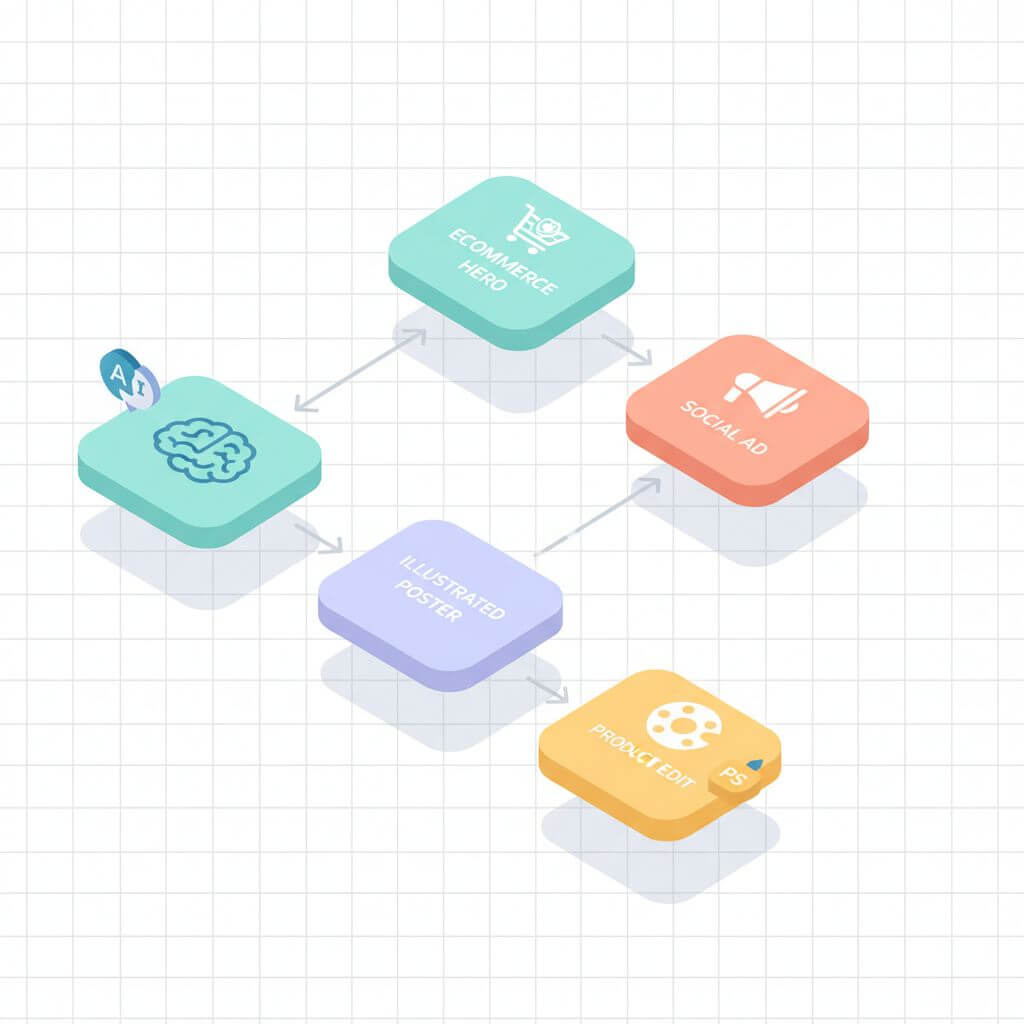
Both models target the same workloads: hero imagery, social creatives, ad variations, product photo edits, and posters. They diverge in three places — instruction following, in-image text fidelity, and latency — and those divergences are what this comparison is actually about.
GPT Image 2 vs Nano Banana 2: Quick Verdict
For most production workloads — ecommerce hero shots, social ads, product photo edits — Nano Banana 2 wins on speed and in-image text fidelity at roughly 1/4 the per-image cost. GPT Image 2 wins on illustration coherence, multi-step conversational editing, and the longest tail of art-directed prompts. Pick the one that matches your hottest path.
| Dimension | GPT Image 2 | Nano Banana 2 | Winner |
|---|---|---|---|
| Photorealism | 4.4 / 5 | 4.5 / 5 | Tie |
| Illustration & art style | 4.6 / 5 | 4.2 / 5 | GPT Image 2 |
| In-image text (English) | 4.1 / 5 | 4.7 / 5 | Nano Banana 2 |
| In-image text (CJK) | 3.2 / 5 | 4.4 / 5 | Nano Banana 2 |
| Local edit accuracy | 4.3 / 5 | 4.5 / 5 | Nano Banana 2 |
| Style preservation | 4.5 / 5 | 4.3 / 5 | GPT Image 2 |
| Multi-object instructions | 4.4 / 5 | 4.2 / 5 | GPT Image 2 |
| Avg latency (1024px) | 18-25 sec | 5-8 sec | Nano Banana 2 |
| Cost per 1024px image | ~$0.04 (Low) to ~$0.17 (High) | ~$0.039 flat | Nano Banana 2 |
| Free tier | None (Plus only) | Limited (AI Studio) | Nano Banana 2 |
The short version: Nano Banana 2 is the default for high-volume work, especially anything with text on the canvas or non-English copy. GPT Image 2 is the upgrade pick for editorial illustration, multi-object scenes, and creative iteration inside a conversation.
Image Quality Test
We ran 30 prompts — 10 photorealistic, 10 illustrative, 10 in-image text — through both models and rated the outputs blind on a 1-5 scale across three reviewers. Aggregate scores below, with one representative prompt per category.
Photorealism (ecommerce hero shots, product photos)
| Sub-criterion | GPT Image 2 | Nano Banana 2 |
|---|---|---|
| Skin texture & lighting | 4.5 | 4.6 |
| Fabric and material | 4.4 | 4.5 |
| Reflections & glass | 4.3 | 4.4 |
| Hands & fingers | 4.0 | 4.3 |
| Overall | 4.4 | 4.5 |
Both models cleared the threshold for production use. Nano Banana 2 had a small but consistent edge on hands and on close-up product reflections — the areas where the previous generation of image models reliably failed. GPT Image 2 occasionally produced slightly more cinematic lighting on portraits, but cost 3-4x more per image to do so.
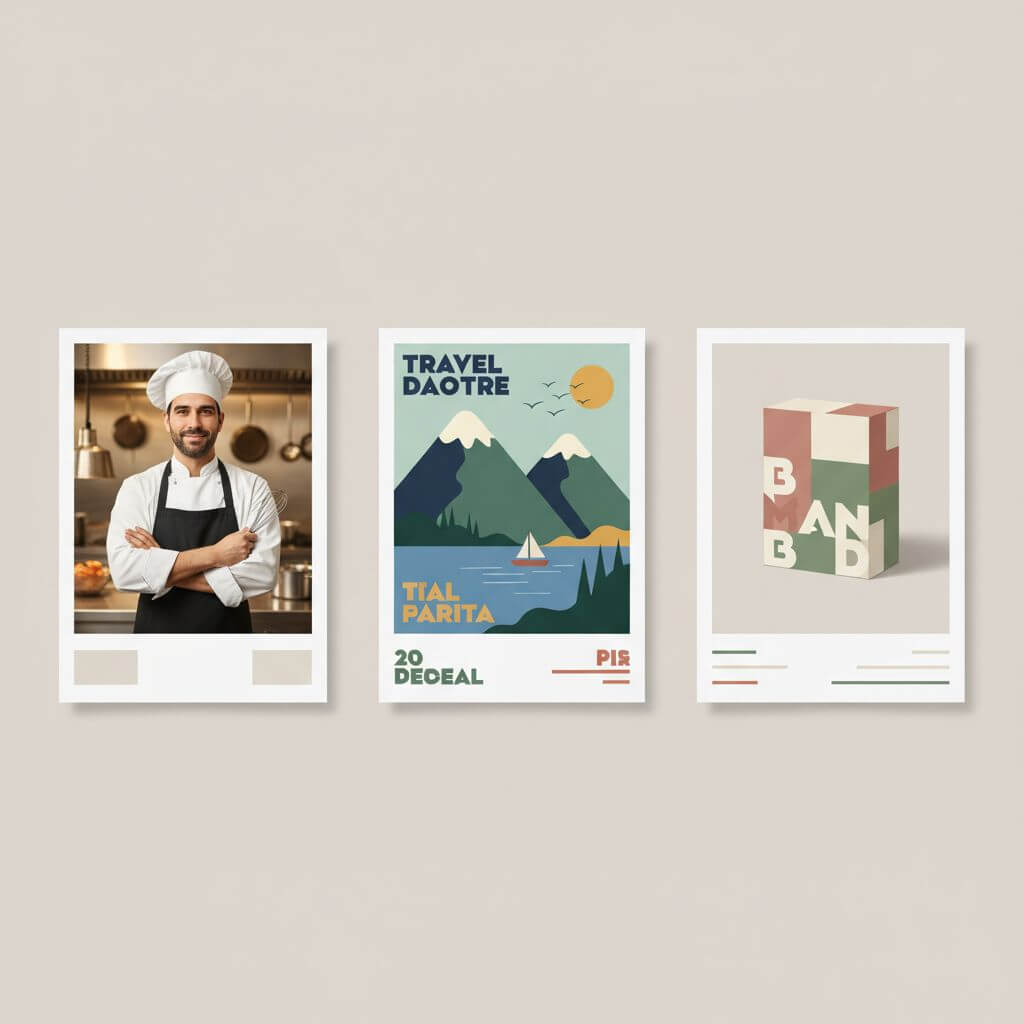
Sample prompt: "A 45-year-old chef holding a slice of sourdough bread, soft morning window light, shallow depth of field, photorealistic." Both models produced usable hero shots on the first try; the differences were subjective.
Illustration & Art Style (social posts, blog covers)
| Sub-criterion | GPT Image 2 | Nano Banana 2 |
|---|---|---|
| Style adherence to prompt | 4.7 | 4.2 |
| Composition balance | 4.6 | 4.3 |
| Color palette control | 4.5 | 4.2 |
| Multi-character consistency | 4.5 | 4.0 |
| Overall | 4.6 | 4.2 |
GPT Image 2 had a clear edge on illustration. Prompts asking for specific named styles ("flat editorial," "1960s travel poster," "screen-printed band poster") were honored more consistently. Nano Banana 2 leaned toward a polished but slightly homogenized aesthetic — strong at first glance, weaker once you compared against the style reference.
If your work depends on art direction matching a specific style brief, GPT Image 2 is the safer default.
In-Image Text (posters, ads, packaging)
| Sub-criterion | GPT Image 2 | Nano Banana 2 |
|---|---|---|
| Short English text (1-4 words) | 4.6 | 4.8 |
| Long English text (full sentence) | 4.0 | 4.7 |
| Chinese / Japanese / Korean text | 3.2 | 4.4 |
| Typography style control | 4.3 | 4.5 |
| Overall | 4.1 | 4.7 |
This is where the gap is widest. Nano Banana 2's text rendering on the canvas is the strongest we have tested across any generally available model. Long English copy rendered correctly in 9 of 10 prompts. Chinese, Japanese, and Korean characters rendered correctly in 8 of 10 prompts. GPT Image 2 cleared short English copy easily but degraded on longer copy and dropped sharply on CJK.
For ecommerce ads with promotional copy on the image, for posters, and for any non-English markets, Nano Banana 2 is the clear pick.
Edit Instruction Understanding
Generation quality is half the test. The other half is what happens when you hand the model an existing image and tell it to change something. We ran three edit task types on the same 10 source images.
Local Edit (e.g., "change the shirt to navy blue")
Both models support mask-based editing and free-form natural language edits.
| Task | GPT Image 2 | Nano Banana 2 |
|---|---|---|
| First-try success | 7 / 10 | 8 / 10 |
| Preserves untouched pixels | 8 / 10 | 9 / 10 |
| Avg time per edit | 22 sec | 6 sec |
Nano Banana 2 had the edge — it more reliably touched only the specified region. GPT Image 2 occasionally drifted on the rest of the frame (lighting shifted, background slightly redrawn) on roughly 20% of edits, despite the mask.
Style Preservation ("edit but keep the original art style")
GPT Image 2 won this one. Asking the model to add or change one element while preserving an illustrated source style was honored on 9/10 attempts. Nano Banana 2 honored style on 7/10 — usually it pushed the output toward a slightly more polished, photorealistic rendering of whatever was added.
If you are iterating on illustrated assets and need the new element to feel like part of the original, GPT Image 2 wins.
Multi-Object Instruction (e.g., "remove the trash can, add a plant on the left, change the sky to dusk")
| Task | GPT Image 2 | Nano Banana 2 |
|---|---|---|
| All instructions honored | 8 / 10 | 6 / 10 |
| Order / precedence respected | 7 / 10 | 5 / 10 |
GPT Image 2 was better at parsing compound instructions — it more often executed every step in a multi-step prompt. Nano Banana 2 tended to focus on the largest or most concrete instruction and quietly skip a smaller one. The fix on Nano Banana 2 is to break the request into separate calls (cheap, because each call costs under $0.04); the fix on GPT Image 2 is simply paying for the bigger tier.
Pricing and Speed Comparison
The cost difference compounds quickly once volume is involved. Public pricing as of May 2026:
| Model | API endpoint | Tier | Output | Price per image | Avg latency |
|---|---|---|---|---|---|
| GPT Image 2 | OpenAI gpt-image-2 | Low | 1024×1024 | ~$0.04 | 12-18 sec |
| GPT Image 2 | OpenAI gpt-image-2 | Medium | 1024×1024 | ~$0.07 | 18-25 sec |
| GPT Image 2 | OpenAI gpt-image-2 | High | 1024×1024 | ~$0.17 | 25-40 sec |
| Nano Banana 2 | Gemini API | Standard | 1024×1024 | ~$0.039 | 5-8 sec |
| Nano Banana 2 | Gemini API | + 4K upscale | 4096×4096 | ~$0.06 | 9-14 sec |
At 1,000 images per month, GPT Image 2 High runs roughly $170 and Nano Banana 2 runs roughly $39 — about $130/month apart, ignoring retries. At 10,000 images per month the gap is $1,310. For any production pipeline that batches creative variants, this single line on the invoice can decide the choice.
Latency matters as much as price, for a different reason: it changes the kinds of UX you can build on top. Sub-10-second image generation makes "type prompt, see image" feel real-time; 25-40 seconds requires a loading state. Nano Banana 2 is the better fit for live editing experiences, side-by-side variation exploration, and chat-based image flows that need to feel snappy.
Best Use Cases for Each Model
Same data, organized by job instead of by model. If you know the job, this is the table to scan.
| Use case | Best model | Why |
|---|---|---|
| Ecommerce hero shots (high volume) | Nano Banana 2 | Faster, cheaper, comparable photorealism |
| Single editorial cover image | GPT Image 2 | Better art direction, style fidelity |
| Social ad with English copy on image | Nano Banana 2 | Best-in-class in-image text |
| Social ad with CJK copy | Nano Banana 2 | Reliable Chinese/Japanese/Korean rendering |
| Multi-character illustrated scene | GPT Image 2 | Better at multi-object instructions |
| Live "type prompt, see image" UX | Nano Banana 2 | Sub-10-second latency |
| Product photo background swap | Either / dedicated tool | Both work; a dedicated AI photo editor is faster for repeated swaps |
| Object removal from photos | Dedicated AI editor (e.g. Imgezy) | Inpainting-first tools beat generative models on this task |
| Conversational multi-step edit | GPT Image 2 (in ChatGPT) | Best at iterative refinement |
| Bulk creative variants (>100/day) | Nano Banana 2 | Latency + price |
If your job is everyday product photo editing — remove the model's shadow, swap a white background for a wooden countertop, fix washed-out colors — neither raw generative model is the right tool. Both will work, but they are priced and tuned for generation, not for a hundred small repeated edits. Imgezy routes those jobs through dedicated editing models (including Nano Banana Pro and Nano Banana AI as backends) and finishes each one in about 5 seconds with a single sentence of input — no API key, no per-image accounting.
How to Try Nano Banana 2 Without Setting Up an API
If you want to try Nano Banana 2 on your own photos before committing to an API integration, three paths work.
Path 1: Google AI Studio (free tier, raw API)
Go to Google AI Studio, pick the Gemini image model family, and use the prompt sandbox. The free quota is limited (currently around 100 generations per day) and you will need a Google account. Best for spec-checking and prompt exploration, not production volume.
Path 2: Gemini App (consumer flow)
Open the Gemini app or web client, paste an image, and ask in natural language: "Replace the background with a marble countertop and add a soft drop shadow." The app routes image edits through Nano Banana 2. Free, but no batch processing and no fine-grained controls.
Path 3: A Dedicated Editor That Already Wraps Nano Banana
If your goal is editing rather than experimentation — object removal, background replacement, enhancement, batch processing — a dedicated AI photo editor that already wraps Nano Banana Pro / Nano Banana AI is faster than wiring it up yourself. Upload your photo to Imgezy, describe what you want in plain language ("remove the tourist on the left, brighten the sky"), and the editor returns the result in about 5 seconds. No prompt engineering, no API key, no rate limits to manage. Free trial credits get you through the first batch.
Decision Matrix
Use this if you have 30 seconds and one decision to make.
| If your job is mostly... | Go with |
|---|---|
| High-volume ecommerce or ad creative | Nano Banana 2 |
| Editorial illustration with art direction | GPT Image 2 |
| Posters or ads with on-image text | Nano Banana 2 |
| Non-English on-image copy (CJK) | Nano Banana 2 |
| Multi-step conversational edits | GPT Image 2 |
| Product photo editing (remove / replace / enhance) | A dedicated AI photo editor like Imgezy |
| Lowest price per image | Nano Banana 2 |
| Fastest single-image latency | Nano Banana 2 |
The realistic answer for most teams is both — Nano Banana 2 as the default high-volume engine, GPT Image 2 reserved for the small set of jobs (illustrated, multi-character, art-directed) where it pays for itself.
FAQ
Is Nano Banana 2 better than GPT Image 2?
For most production workloads — ecommerce, social ads, posters, in-image text — yes. Nano Banana 2 is roughly 3-4x faster, costs about 1/4 as much per image, and renders on-image text more reliably (especially in non-English languages). GPT Image 2 wins on illustration style fidelity, multi-object instructions, and conversational editing inside ChatGPT.
How much does GPT Image 2 cost compared to Nano Banana 2?
As of May 2026, GPT Image 2 costs around $0.04 (Low quality) to $0.17 (High quality) per 1024×1024 image via the OpenAI API. Nano Banana 2 costs around $0.039 per 1024×1024 image via the Gemini API. At 10,000 images per month, that is roughly a $1,300 difference at the High tier.
Which AI image model is best for in-image text in 2026?
Nano Banana 2 is the strongest generally available model for rendering text on a generated image. In our test of 10 prompts with long English copy, it rendered correctly on 9 of 10 first attempts. For Chinese, Japanese, and Korean text, it rendered correctly on 8 of 10 — versus 3 of 10 for GPT Image 2. If your output needs readable on-image copy, Nano Banana 2 is the safer choice.
Can I use both GPT Image 2 and Nano Banana 2 in the same workflow?
Yes — many production pipelines route by job type. Nano Banana 2 handles high-volume ecommerce and social variants; GPT Image 2 handles editorial illustration and one-off art-directed pieces. Routing by job type tends to beat picking one model for everything.
What is the difference between Nano Banana and Nano Banana 2?
Nano Banana (originally leaked as "nano-banana," officially Gemini 2.5 Flash Image) is Google DeepMind's first-generation flagship image model from 2025. Nano Banana 2 is the 2026 successor — stronger text rendering, more consistent multi-character scenes, and noticeably better hands and fingers in photorealistic prompts.
Which is better for product photo editing — GPT Image 2, Nano Banana 2, or a dedicated tool?
For repeated editing jobs — object removal, background replacement, color enhancement — a dedicated AI photo editor outperforms both generative models on speed, predictability, and cost. Tools like Imgezy use editing-tuned models (including Nano Banana Pro as a backend) and finish each task in about 5 seconds without prompt engineering. Use GPT Image 2 or Nano Banana 2 when you need to generate an image, not when you need to edit one.
Is there a free way to try Nano Banana 2?
Yes — Google AI Studio offers a limited free tier for the Gemini image model family, and the Gemini consumer app routes image edits through Nano Banana 2. For editing-focused use, free trial credits on Imgezy (which wraps Nano Banana Pro and Nano Banana AI) skip the API setup entirely.
Conclusion
Both GPT Image 2 and Nano Banana 2 are real upgrades over what was available 12 months ago. The decision in 2026 is not which one is the best image model — it is which one matches the job you actually have. For most teams, the answer ends up being Nano Banana 2 as the default high-volume engine and GPT Image 2 reserved for editorial outliers.
For product photo editing — the day-to-day "remove this, swap that, enhance the lighting" work — neither raw generative API is the cheapest or fastest path. A dedicated AI photo editor finishes the same jobs in about 5 seconds without the prompt engineering tax.
Ready to edit your photos with AI? Try Imgezy free → — remove objects, swap backgrounds, and enhance quality in seconds. Powered by Nano Banana Pro and other dedicated editing models. No API key, no rate limits. Your first edits are on us.