

AI Pet Journal Photo Editor for Clean Pet Diaries
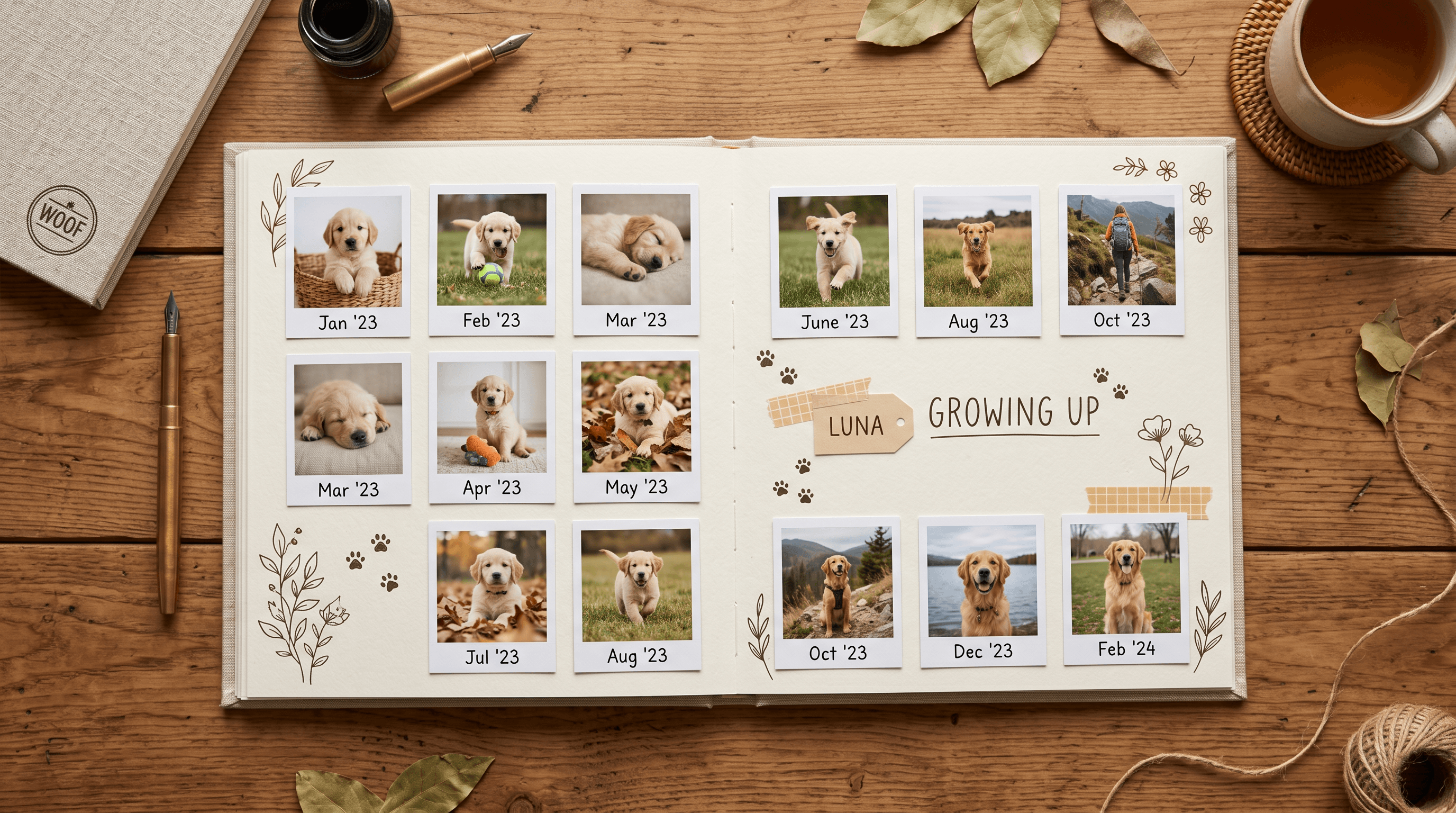
You snap a photo of your puppy's first night home. Eight months later you scroll back through the journal and that same dog now fills the frame — but half the early shots are blurry, lit by a yellow kitchen bulb, or buried under laundry in the background. A pet journal is only as good as the photos in it, and most phone shots of a moving animal in a cluttered room don't make the cut.
An AI pet journal photo editor fixes that without any design background. This guide walks pet owners through five Imgezy workflows — clearing clutter, fixing lighting, swapping messy backgrounds, sharpening blurry shots, and holding a consistent look — so your pet diary photos stay clean and cohesive from week one to year three.
In this guide:
- The Challenge: Real Pet Photos Are Messy
- How AI Photo Editing Solves This
- Practical Workflow: Step by Step
- Results & What to Expect
- Tips for Pet Journal Keepers
- FAQ
- Conclusion
The Challenge: Real Pet Photos Are Messy {#challenge}
Pet photos taken at home rarely look journal-ready. Animals move, indoor light is uneven, and the background is whatever room you happened to be standing in. For anyone documenting a growth timeline week by week, that inconsistency piles up fast.
Picture a dog owner photographing their Labrador every Sunday for a year — 52 photos meant to sit side by side in a growth timeline. In practice a third come out blurry from motion, several are shot under warm bulbs that turn the fur orange, and the backgrounds jump from kitchen to couch to backyard. Lined up, the timeline looks like 52 random snapshots instead of one dog growing up.
This demand is showing up in products, too. Product Hunt recently featured Tamadoggo, a pet-life journal with AI insights — a signal that more owners want a structured record of their pet's life. But most of them aren't photographers, and they don't want to learn Photoshop just to keep a tidy diary. They need pet diary photos that look consistent in a few taps.
It isn't only solo dog owners, either. A family documenting a new kitten alongside two kids, or keeping a shared timeline of a senior dog's final years, hits the same wall — dozens of emotionally important photos that look cluttered and inconsistent. The memories matter more here, which makes the messy backgrounds and the blur more frustrating, not less.
(Editing pet photos for social media is a different job — if you want TikTok-ready shots of a pibble or bully breed, our pet photo editor guide for TikTok covers that angle. This guide stays focused on the long-running journal.)
How AI Photo Editing Solves This {#how}
AI photo editing turns hours of manual retouching into one short instruction. Instead of masking objects by hand or nudging color sliders, you describe the result — "remove the leash on the floor," "brighten this photo" — and the model rebuilds the image to match.
Three capabilities carry most of the weight for a pet journal. Object removal clears clutter — toys, cables, a stray hand — and reconstructs the background behind it. Background replacement swaps a distracting room for one clean, repeatable backdrop so every entry shares a look. Enhancement and smart repair correct lighting, lift color, and sharpen motion blur, the single most common problem with pet photos.
The method stays the same whatever tool you pick: capture loosely, then run AI pet photo cleanup in batches. You stop chasing the perfect shot in a chaotic moment and fix it afterward in seconds. That shift — from careful capture to fast correction — is what makes a multi-year pet journal sustainable instead of exhausting.
Batch processing matters once a journal runs for months. Editing one photo is quick; editing 200 over a year is where a per-photo workflow breaks down. Running cleanup on a whole folder at once is what keeps the habit alive.
Practical Workflow: Step by Step {#workflow}
Here is a repeatable workflow for turning raw phone snaps into clean pet diary photos. Each step takes seconds, and you can batch a whole week at once.
Step 1: Gather and Pick Your Shots
Pull the week's pet photos into one folder. Don't over-curate — keep anything where your pet's face or pose is good, even if the background is messy or the focus is soft. Cleanup handles the rest, so a "ruined" photo with a great expression is worth keeping.
Step 2: Remove Clutter and Set the Background
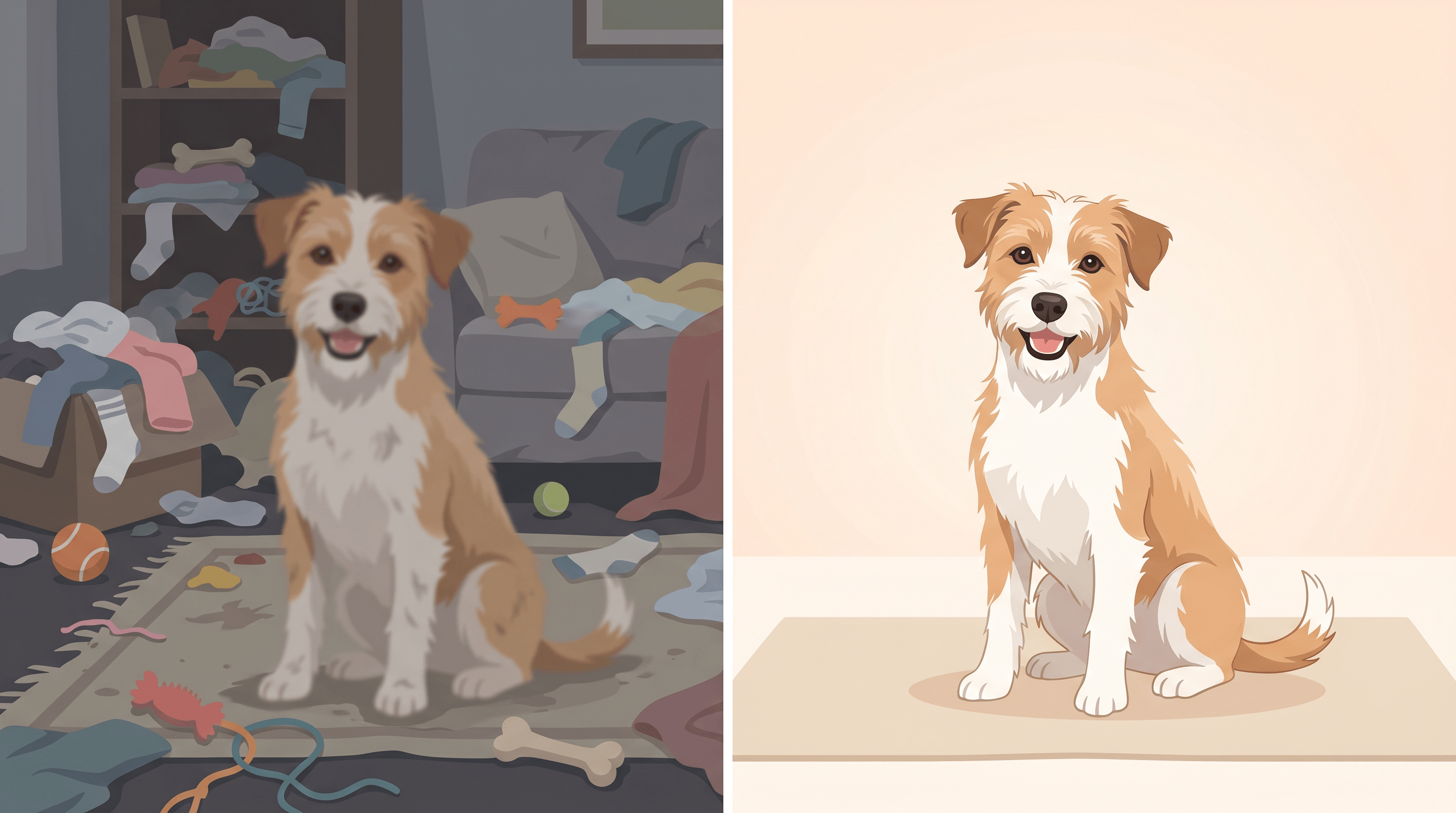
Tackle distractions first. Upload your photo to Imgezy and describe what you want gone — "remove the laundry basket on the right" — and the AI clears it in about 5 seconds, rebuilding the background behind it. For a uniform journal, use background replacement to drop your pet onto the same clean backdrop every week. This is where an AI pet journal photo editor earns its keep: clutter removal and background swaps that used to need a designer now take one sentence.
Step 3: Fix Lighting and Sharpen
Run enhancement to correct that orange indoor cast and even out exposure. For blurry shots — the classic problem with a moving pet — use smart repair to sharpen the face and fur. A photo you would normally delete becomes usable.
Step 4: Export and Add to the Journal
Download at full quality with no resolution loss, then drop the photo into your journal entry. Keep the same crop ratio across entries so the growth timeline lines up cleanly.
Results & What to Expect {#results}
Owners who batch-edit this way report a consistent diary in a fraction of the time. A weekly cleanup that runs 30–40 minutes in manual editing software drops to about 5 minutes for a full week, since each photo processes in roughly 5 seconds.
Concretely: blurry shots that used to be deleted become keepers, which raises your usable-photo rate. Mixed indoor backgrounds collapse into one consistent backdrop, so a 52-week timeline reads as a single story rather than 52 different rooms. And because output stays at full resolution, the photos still print cleanly in a year-end photo book.
Take one example from the workflow: a Sunday photo of a Golden Retriever shot against a sink full of dishes, slightly soft from a tail wag. After object removal on the dishes, a neutral replacement background, an enhancement pass, and smart repair on the focus, the same shot sits cleanly beside last week's entry — same backdrop, same light, sharp enough to read every whisker.
In our testing, the biggest perceived gain wasn't any single edit — it was consistency. Once every entry shares lighting and background, even average phone photos start to look like a deliberately designed journal.
Tips for Pet Journal Keepers {#tips}
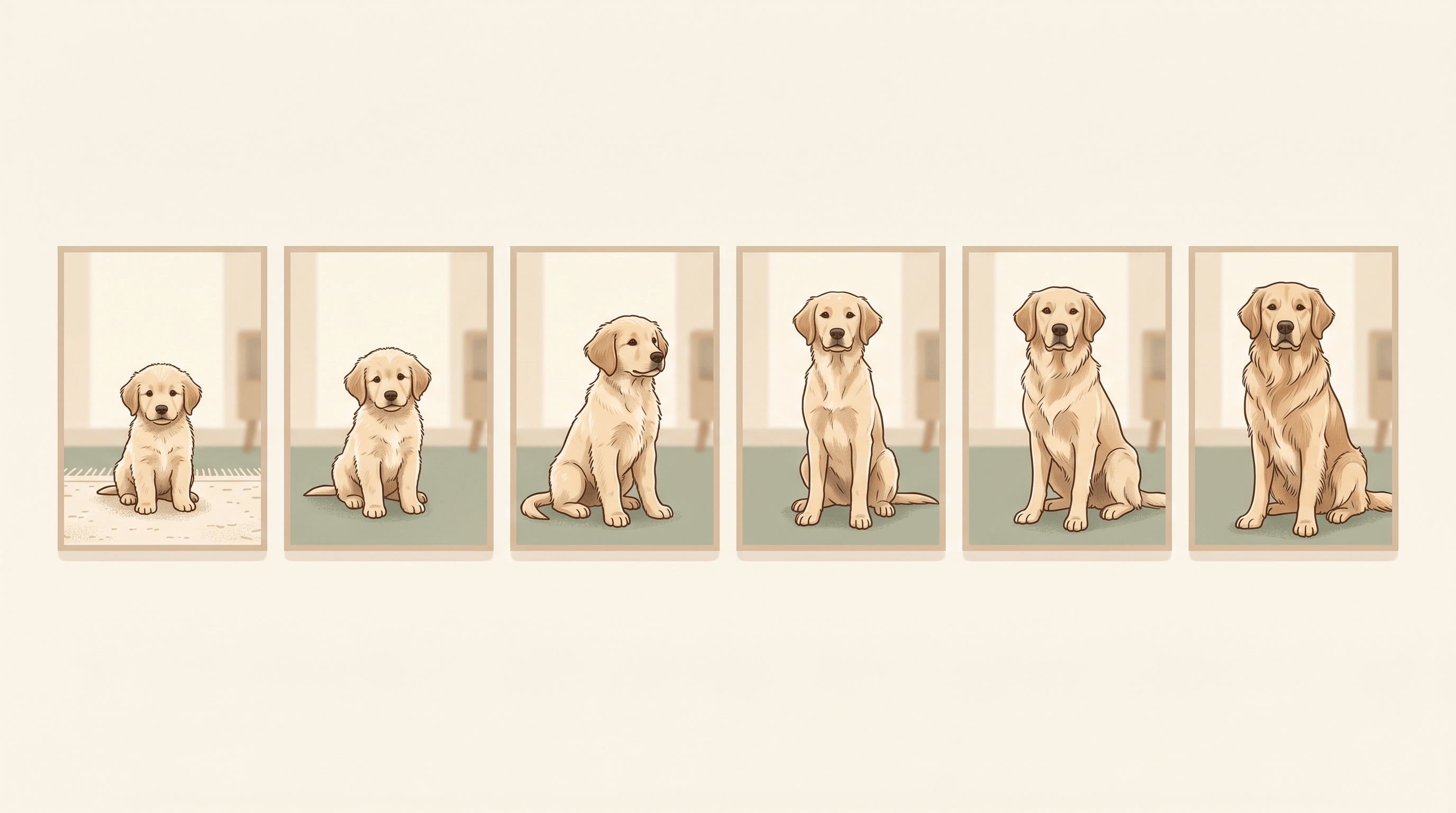
- Lock one background early. Choose a single replacement backdrop — a soft neutral or a favorite corner — and reuse it. Consistency is what makes a timeline feel intentional.
- Shoot for the face, fix the rest. Prioritize expression and pose when capturing; trust AI pet photo cleanup for clutter, lighting, and minor blur.
- Batch weekly, not daily. Collect a week of pet diary photos and edit them in one sitting so the look stays uniform.
- Keep the originals. Save unedited shots next to the edited ones — milestones are worth keeping in raw form too.
- Match the crop. Use the same aspect ratio for every entry so growth comparisons line up side by side.
FAQ {#faq}
Q: What is an AI pet journal photo editor?
A: It's an AI tool that cleans up and standardizes pet photos for a journal or growth timeline — removing clutter, fixing lighting, replacing backgrounds, and sharpening blur from a simple text instruction, with no design skills required.
Q: Can AI really fix blurry pet photos?
A: Yes, within limits. Smart repair sharpens soft focus and motion blur on a pet's face and fur well enough for journal use. Severely blurred photos won't fully recover, but many shots you'd otherwise delete become usable again.
Q: How do I keep all my pet diary photos looking consistent?
A: Use background replacement to place every photo on the same backdrop, apply the same enhancement, and keep one crop ratio. Consistent background and lighting are what make a timeline look cohesive.
Q: Do I lose image quality when editing?
A: No. A good pet photo editor exports at full resolution, so edited photos stay sharp enough to print in a year-end photo book.
Q: How long does it take to edit a week of pet photos?
A: About 5 minutes. Each photo processes in roughly 5 seconds, so a week of cleanup is one short session instead of an evening of manual work.
Conclusion {#conclusion}
A pet journal is a long game — small, steady entries that add up to the story of your pet growing up. The hard part was never the writing; it was keeping hundreds of messy phone photos looking clean and cohesive. An AI pet journal photo editor removes that friction: clutter gone, lighting fixed, backgrounds unified, blur sharpened, all in seconds per photo. Start with this week's shots, run them through the four-step workflow, and you'll have your first consistent journal entry today.
Ready to keep a pet journal that actually looks good? Try Imgezy free → — clear clutter, swap backgrounds, fix lighting, and sharpen blurry pet photos in seconds. No design skills needed.
Last updated: June 2026