

WordPress AI Image Editor vs Imgezy: Best Pick for Bloggers
WordPress 7.0 shipped on Product Hunt's R4 with 211 upvotes — and a feature every blogger noticed: a native AI image editor baked into the block editor. Within a week, the question on every blogging forum was the same: do I still need Imgezy, Canva, or any standalone AI image tool now that WordPress has its own?
Short answer: it depends on what you publish. Light bloggers can get by with WordPress 7.0 alone. Anyone who removes objects, swaps backgrounds, or processes more than ten images a month will hit the built-in tool's ceiling fast. This guide compares the WordPress AI image editor with the four standalone editors most bloggers test against — Imgezy, Canva AI, Adobe Express, and Photopea AI — and ends with a decision tree by posting frequency and budget.
Last updated: May 2026.
What is the WordPress AI image editor?
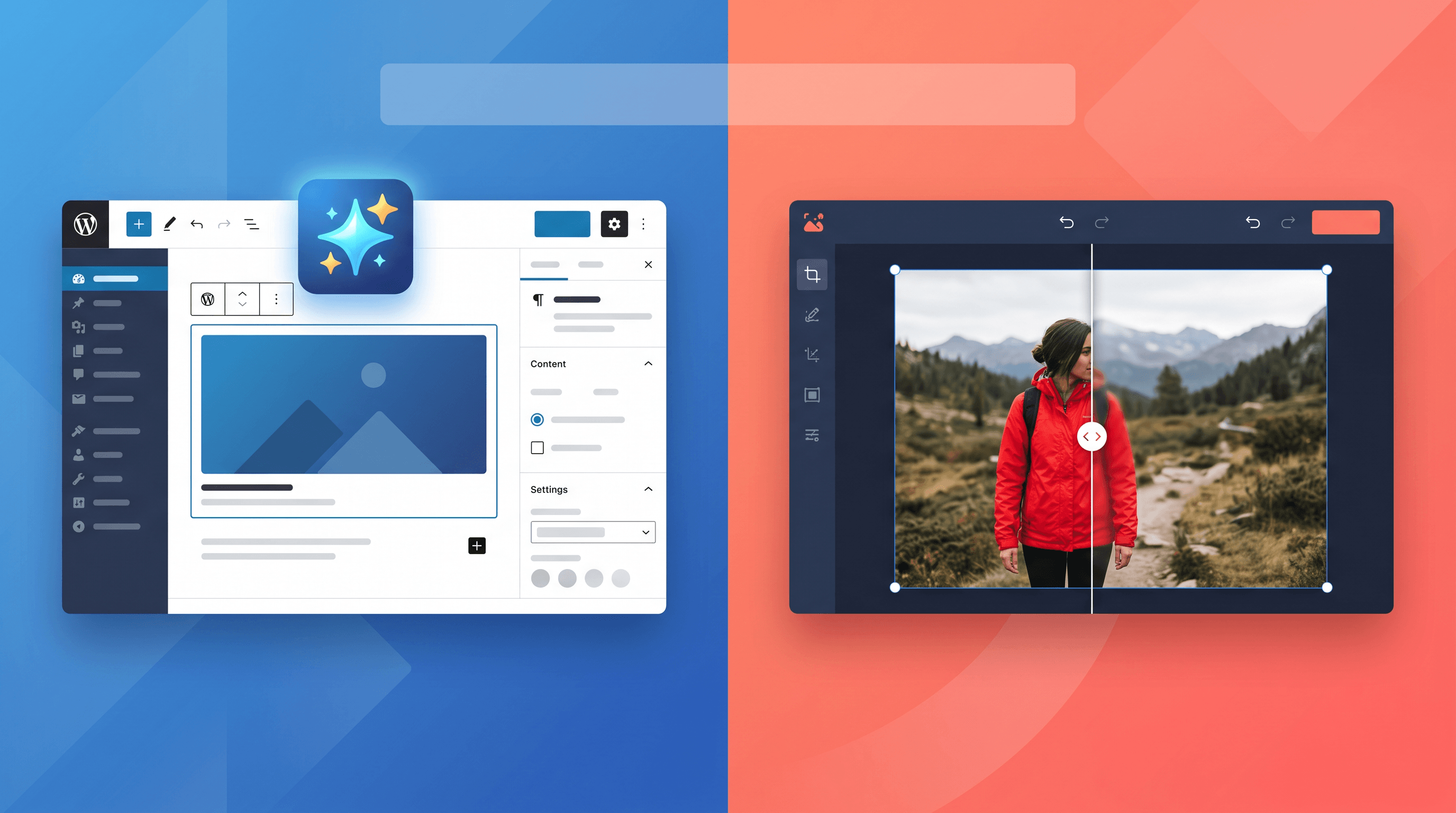
The WordPress AI image editor is a set of AI features built into the WordPress 7.0 block editor: text-to-image generation for featured images, automatic alt text suggestions, one-click crop and resize, an AI fill brush for simple background extension, and style presets for image blocks. It runs inside the admin dashboard and pulls credits from WordPress.com plans (Personal and above) or self-hosted equivalents through the partnered AI provider.
The built-in editor handles three things well:
- Generating a featured image from your post title or excerpt
- Writing alt text in the same language as your post
- Cropping, resizing, and minor fill operations without leaving the editor
It is not designed for:
- Object removal beyond simple background patches
- Full background replacement with a different scene
- Batch operations on more than one image at a time
- Photo enhancement on already-shot photos (light, sharpness, color)
That gap is where standalone AI image editors come in.
Top AI image editors for WordPress bloggers, compared
Five editors cover the vast majority of blogger use cases in 2026. Each one is rated for what it does best and where it falls short, with current pricing.
1. WordPress 7.0 built-in AI
Best for: bloggers who post 1–4 times a month and need a featured image plus alt text without leaving the dashboard.
Not ideal for: removing people from travel photos, replacing product backgrounds, or editing more than one image at a time.
Pricing: included in WordPress.com Personal ($4/mo and up); self-hosted needs an API key from the partnered model provider. AI credits cap by tier.
2. Imgezy
Best for: bloggers who need object removal, background replacement, photo enhancement, and batch processing — the four jobs the built-in editor cannot do.
Not ideal for: designing full layout templates or social-media-style graphics with text overlays (Canva does that better).
Pricing: Basic $9.99/mo (80 credits, ≈40 edits); Pro $19.99/mo (500 credits, ≈250 edits, commercial license).
In our testing, an Imgezy object-removal pass on a 12 MP travel photo took about 5 seconds end-to-end. The batch tool in the Pro plan let us process 30 product shots for a single review post in one upload, which is something neither WordPress 7.0 nor Canva supports.
3. Canva AI
Best for: bloggers who care about layout, typography, and Pinterest-style graphics as much as photo editing.
Not ideal for: clean object removal on complex backgrounds — Canva's Magic Eraser handles small objects but leaves visible smudges on busy scenes.
Pricing: Canva Free has basic Magic Edit; Canva Pro $12.99/mo for full AI suite and brand kit.
4. Adobe Express AI
Best for: photographers and brand-driven bloggers who want photorealistic results and tight integration with Adobe stock photos.
Not ideal for: quick one-off edits — the interface assumes you know which tool you want, which slows down casual users.
Pricing: Premium $9.99/mo; free tier covers basic generation.
5. Photopea AI
Best for: budget bloggers who want Photoshop-style layer control plus a free AI generative fill.
Not ideal for: anyone who wants one-prompt edits — Photopea expects you to drive the workflow manually.
Pricing: free with ads; Premium from $5/mo.
Feature comparison table
| Feature | WordPress 7.0 AI | Imgezy | Canva AI | Adobe Express | Photopea AI |
|---|---|---|---|---|---|
| Object removal | ❌ | ✅ | Partial | ✅ | Manual |
| Background replacement | Color/gradient only | ✅ Scene swap | ✅ | ✅ | Manual |
| Photo enhancement | ❌ | ✅ | Limited | ✅ | Manual |
| Batch processing | ❌ | ✅ (Pro) | ❌ | Partial | ❌ |
| Featured image generation | ✅ | ✅ | ✅ | ✅ | ❌ |
| AI alt text | ✅ | ❌ | ❌ | ❌ | ❌ |
| Works inside WP admin | ✅ | ❌ (browser) | Plugin | ❌ | ❌ |
| Free tier | ✅ (limited credits) | Trial credits | ✅ | ✅ | ✅ |
| Starting price | $4/mo (WP.com) | $9.99/mo | $12.99/mo | $9.99/mo | $0 |
| Commercial license | Yes | Yes (Pro) | Yes (Pro) | Yes | Yes |
Two takeaways: the built-in WordPress AI image editor and Imgezy do not actually overlap on the jobs most bloggers care about — they complement each other. And if cost is the deciding factor, pairing WordPress 7.0 with one $9.99/mo standalone editor covers more ground than committing to Canva or Adobe alone.
How to choose: decision tree by frequency and budget
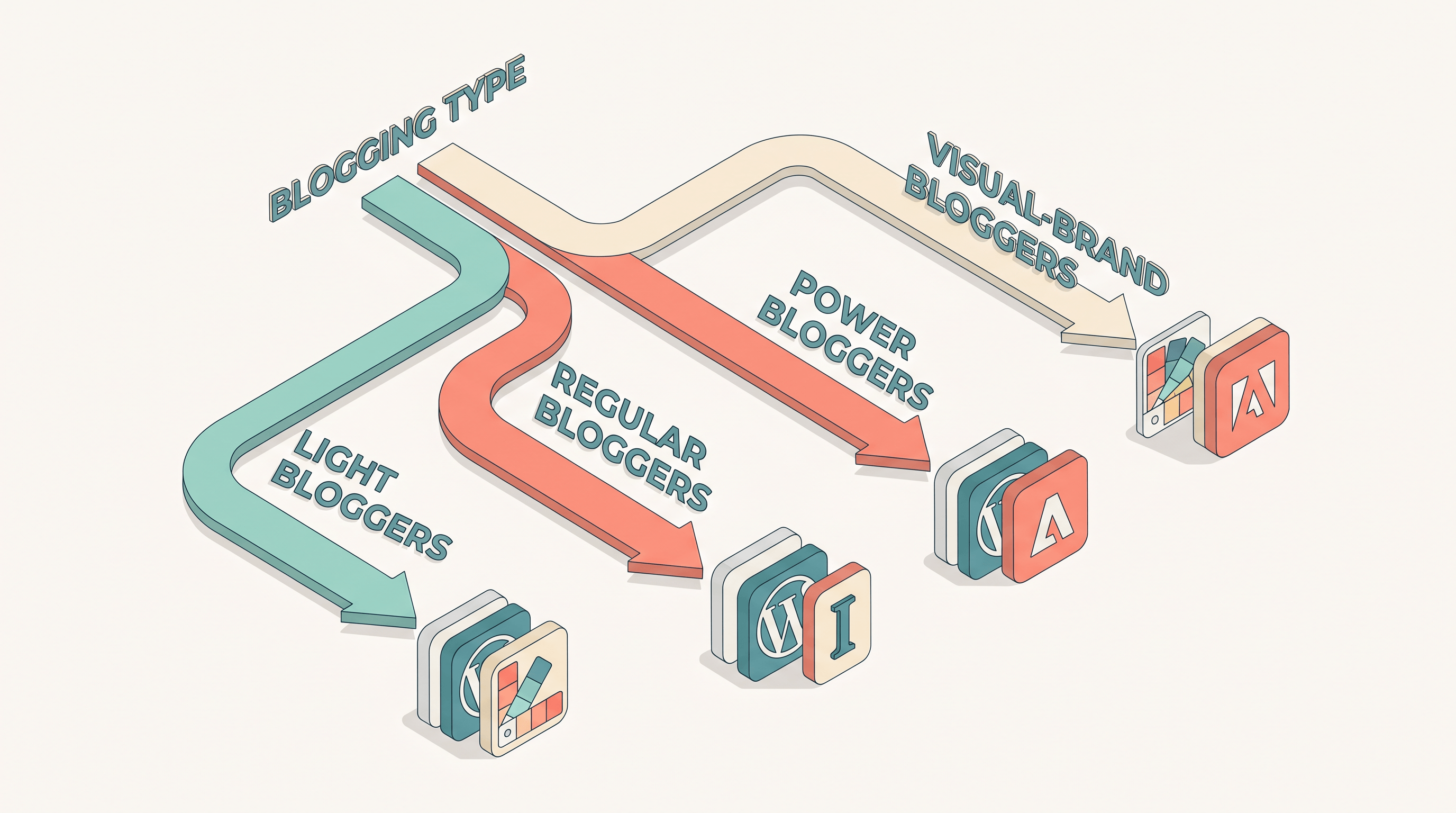
Pick the row that matches how often you publish, then read the recommended stack.
Light bloggers — 1 to 4 posts a month
Stay on WordPress 7.0. The built-in featured-image generator plus alt-text suggestions cover 80% of what you need. For the rare object-removal job, drop the image into Photopea AI's free tier. Total cost: $0 to $4/mo.
Regular bloggers — 5 to 15 posts a month
WordPress 7.0 plus one paid editor:
- Mostly photo edits (travel, lifestyle, product reviews): Imgezy Basic at $9.99/mo. 40 edits a month is exactly the right ceiling for this volume, and the object-removal and background-swap quality is the main upgrade over the built-in tool.
- Mostly design-heavy graphics (Pinterest, infographics, social-first content): Canva Pro at $12.99/mo.
- Both: Imgezy Basic plus Canva Free covers it without a second paid plan.
Power bloggers — 15+ posts a month, product reviewers, e-commerce
WordPress 7.0 plus Imgezy Pro at $19.99/mo. The 250-credit batch processing pays for itself the first time you have to process a 30-image product gallery. Pro also includes a commercial license, which matters if you monetise the blog.
Visual-brand bloggers — lifestyle, travel, food
Stack two tools. Imgezy Pro handles photo work: object removal, background swap, and enhancement. Adobe Express Premium handles brand-consistent graphics and typography. Skip Canva unless you already use it; Adobe's color and font fidelity is closer to what print-trained designers expect.
How to remove a tourist from a travel photo with Imgezy
This is the single most-asked editing job in blogging communities, and it's a clean case study for where the built-in WordPress AI image editor stops and a standalone editor takes over. Five steps, about 30 seconds end-to-end.
- Open Imgezy in your browser and drag the photo into the upload area — JPG, PNG, or WebP all work.
- In the description box, type a plain-English instruction: "remove the person in the red jacket on the left." Specific descriptions get better results than "remove people."
- Click Generate. The Nano Banana Pro model handles the removal and background reconstruction in about 5 seconds for a typical 12 MP photo.
- Preview the result. If the rebuilt background looks off (rare, but it happens on busy scenes), refine the prompt — e.g., "extend the brick wall pattern across the gap."
- Download the high-res output and upload to your WordPress media library.
For batch jobs — say, ten travel photos with the same kind of cleanup — switch to the batch object-removal tool on the Pro plan and queue them all in one upload.
The same five-step flow works for background replacement and photo enhancement, just with different prompts.
FAQ
Is the WordPress 7.0 AI image editor free?
It's included with WordPress.com Personal ($4/mo) and up, with monthly AI credits that scale by tier. Self-hosted sites need an API key from the partnered AI provider and pay per use. There is no fully free tier on either path.
Can the WordPress AI image editor remove objects from photos?
Not in the way most bloggers mean. The AI fill brush can patch small backgrounds, but it cannot remove a person from a scene or rebuild complex backgrounds. For that, you need a standalone editor like Imgezy or Adobe Express.
Do I still need Imgezy if I have WordPress 7.0?
If you post 1–4 times a month and your images don't need object removal, background swap, or batch processing — no. If you do any of those three things even once a month, the standalone editor pays for itself in time saved.
What's the best free alternative to the WordPress AI image editor?
Photopea AI for layer-style editing, or Canva's free tier for design templates plus light AI edits. Both cover gaps the built-in editor leaves, but neither matches Imgezy's one-prompt object removal.
Is there a WordPress plugin for Imgezy?
Not as of May 2026 — Imgezy runs in the browser and exports finished images that you upload to the WordPress media library. The five-step flow above takes about 30 seconds per image.
Can I batch-edit images for a WordPress product gallery?
Yes — Imgezy Pro processes up to 250 edits a month, and a single upload can queue many images. WordPress 7.0's built-in editor handles one image at a time.
How does WordPress 7.0 AI compare to Canva for bloggers?
WordPress 7.0 covers in-editor convenience (featured image, alt text); Canva covers layout-driven graphics. They solve different problems. Neither replaces a dedicated photo editor.
Will WordPress add object removal in a future release?
The WordPress 7.0 release notes mention "advanced AI image operations" on the roadmap for 7.x, with no committed date. For now, the gap is real.
Bottom line
The WordPress AI image editor is a meaningful upgrade if you publish lightly and your images are already clean. The moment you need object removal, background replacement, or batch processing, you're looking at a standalone editor — and at $9.99 to $19.99 a month, the cost is small compared to the time you'll get back.
Ready to fill the gap WordPress 7.0 leaves? Try Imgezy free → — object removal, background swap, and batch processing in under 5 seconds per image. No design skills needed, and the first batch is on the house.