
Transform Into Na'vi with AI Avatar 3 Filter
Experience the magic of Pandora with our AI Avatar 3 filter. Transform your photos into stunning Na'vi portraits inspired by Avatar: Fire and Ash. Our AI Avatar 3 filter applies blue skin, bioluminescent features, and authentic Na'vi characteristics while preserving your unique identity. Try the AI Avatar 3 filter free today.
Settings
Upload an image file to get started with your AI conversion
Maximum quality with the best detail and accuracy
Preview
View your AI-transformed result and compare with the original
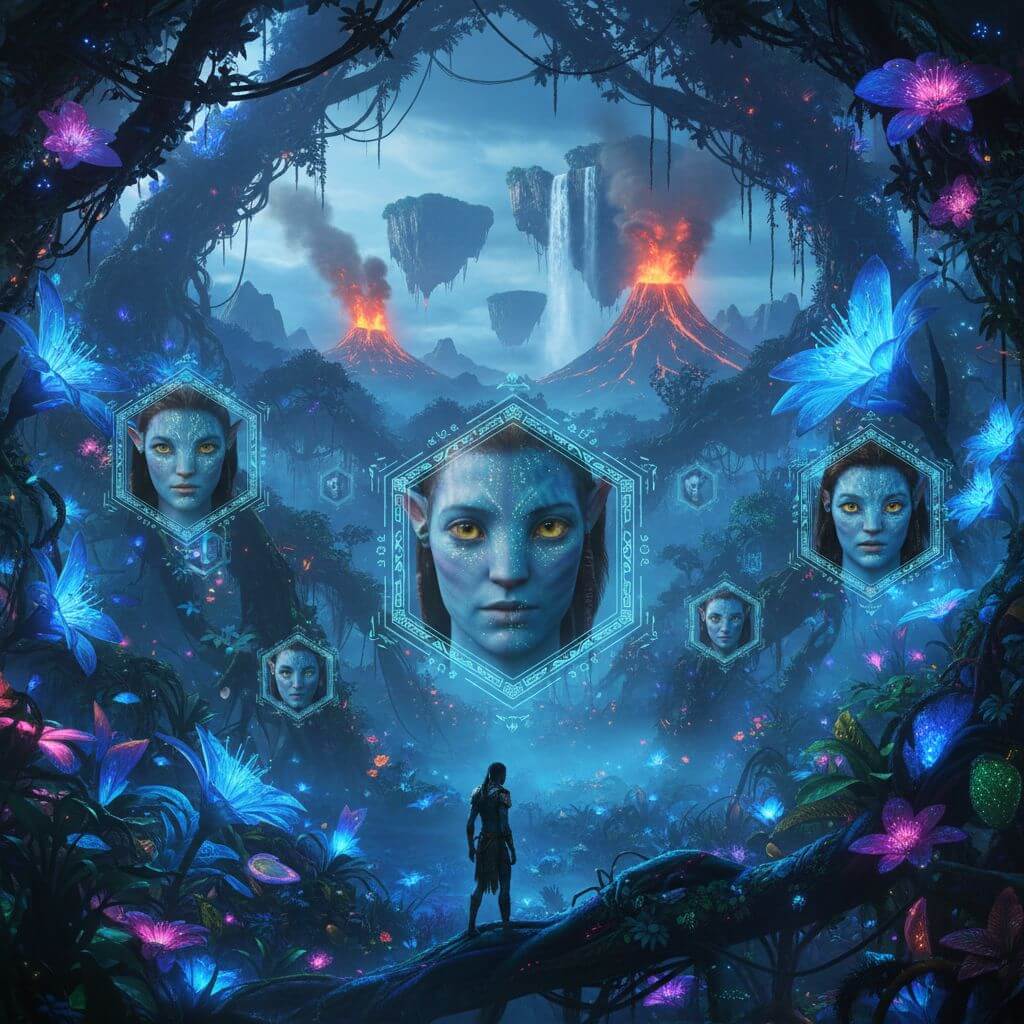
↑ Example result. Try it yourself!
Powerful AI Avatar 3 Filter Features
Our AI Avatar 3 filter combines cutting-edge AI with Avatar: Fire and Ash visual effects to transform you into an authentic Na'vi. Explore the powerful AI Avatar 3 filter capabilities that make Pandora dreams reality.
Authentic Na'vi Transformation
Our AI Avatar 3 filter creates authentic Na'vi transformations with blue skin, yellow eyes, and bioluminescent features. The AI Avatar 3 filter maintains your facial identity while applying genuine Avatar: Fire and Ash visual characteristics for stunning results.
Bioluminescent Effects
The AI Avatar 3 filter applies stunning bioluminescent freckles and markings that glow like real Na'vi. Our AI Avatar 3 filter technology recreates the magical Pandora bioluminescence from Avatar: Fire and Ash with incredible detail and realism.
Pandora Backgrounds
Our AI Avatar 3 filter places you in authentic Pandora environments with floating mountains and glowing forests. The AI Avatar 3 filter creates immersive Avatar: Fire and Ash scenes with volcanic landscapes and bioluminescent flora.
Instant AI Avatar 3 Filter
Get your Na'vi transformation in seconds with our AI Avatar 3 filter. The AI Avatar 3 filter processes photos instantly, creating stunning Avatar: Fire and Ash style portraits without any waiting time.
Download & Share
Download your AI Avatar 3 filter creations in high resolution. Share your Na'vi transformations directly to social media or save multiple AI Avatar 3 filter variations for different uses.
Safe & Private
Your photos are secure with our AI Avatar 3 filter. We protect your privacy while the AI Avatar 3 filter creates your Na'vi transformation. All uploads are encrypted and your creations belong to you.
AI Avatar 3 Filter Use Cases
Discover how Avatar fans use our AI Avatar 3 filter to celebrate Avatar: Fire and Ash with stunning Na'vi transformations for social media, events, and creative projects.

Movie Premiere Celebrations
Avatar fans worldwide use our AI Avatar 3 filter to celebrate Avatar: Fire and Ash premieres and releases. The AI Avatar 3 filter creates perfect Na'vi portraits for movie night selfies, premiere events, and theater photos. Share your AI Avatar 3 filter transformation to show your Avatar fandom and join the global celebration of James Cameron's epic saga.

Social Media Content Creation
Content creators and influencers leverage our AI Avatar 3 filter for viral social media posts. The AI Avatar 3 filter generates eye-catching Na'vi transformations perfect for TikTok trends, Instagram stories, and YouTube thumbnails. Create engaging Avatar: Fire and Ash content that stands out with the AI Avatar 3 filter's stunning visual effects.

Avatar Theme Party Invitations
Planning an Avatar: Fire and Ash theme party? Use our AI Avatar 3 filter to create personalized Na'vi invitations and decorations. Transform guests into Na'vi for party materials with the AI Avatar 3 filter. The AI Avatar 3 filter helps create memorable party themes that transport everyone to Pandora for an unforgettable celebration.
How to Use AI Avatar 3 Filter
Transform into a Na'vi from Avatar: Fire and Ash in three simple steps. Our AI Avatar 3 filter workflow makes Pandora transformations accessible to everyone, from movie fans to content creators.
Upload Your Photo
Start with our AI Avatar 3 filter by uploading your photo. The AI Avatar 3 filter accepts selfies, portraits, or any clear photo. Our AI Avatar 3 filter works best with front-facing photos for the most accurate Na'vi transformation.
Apply AI Avatar 3 Filter
Let our AI Avatar 3 filter work its magic. The AI Avatar 3 filter analyzes your features and applies Na'vi characteristics including blue skin, yellow eyes, and bioluminescent markings from Avatar: Fire and Ash.
Download Your Na'vi Portrait
Download your stunning AI Avatar 3 filter result. Save your Na'vi transformation in high resolution, share on social media, or create multiple variations with different Pandora backgrounds using the AI Avatar 3 filter.
AI Avatar 3 Filter Success Stories
See how Avatar fans use our AI Avatar 3 filter for amazing Na'vi transformations
"This AI Avatar 3 filter is incredible! I've been an Avatar fan since 2009 and the AI Avatar 3 filter made my Na'vi dreams come true. The AI Avatar 3 filter keeps my face recognizable while making me look like I belong on Pandora!"
Jessica Miller
Avatar Fan
"As a cosplayer, the AI Avatar 3 filter is perfect for creating reference images. The AI Avatar 3 filter helps me plan my Avatar: Fire and Ash costumes. Best AI Avatar 3 filter for visualizing Na'vi transformations!"
Ryan Thompson
Cosplay Creator
"The AI Avatar 3 filter went viral on my TikTok! My followers love seeing their AI Avatar 3 filter results. This AI Avatar 3 filter is the best way to celebrate Avatar: Fire and Ash release!"
Amanda Chen
Social Media Influencer
"I've tried many filters but this AI Avatar 3 filter is on another level. The AI Avatar 3 filter captures every Na'vi detail - the eyes, the skin, the bioluminescence. Perfect AI Avatar 3 filter for any Avatar fan!"
Michael Davis
Sci-Fi Enthusiast
"The AI Avatar 3 filter technology amazes me as an artist. The AI Avatar 3 filter perfectly recreates Avatar: Fire and Ash aesthetics. I use this AI Avatar 3 filter for inspiration constantly!"
Sophie Williams
Digital Artist
"For my Avatar: Fire and Ash content, the AI Avatar 3 filter is essential. The AI Avatar 3 filter helps me create engaging thumbnails and social posts. Every Avatar content creator needs this AI Avatar 3 filter!"
Daniel Kim
Movie Blogger