

Magic Layers by Canva Alternative: Imgezy vs Canva 2026
You searched for a Magic Layers by Canva alternative because Canva's newest AI launch does a lot — but not everything. Magic Layers can slice a flat graphic into editable layers. It cannot cleanly remove a stranger from your product photo, fix a blurry wedding shot, or batch-process 50 real estate listings before lunch.
If you're an indie designer or an e-commerce seller who lives in real photos rather than illustrations, a different class of AI photo editor fits better. This guide compares Canva's Magic Layers against Imgezy and two other popular tools, explains where each one shines, and helps you decide without spending a credit.
Last updated: April 22, 2026
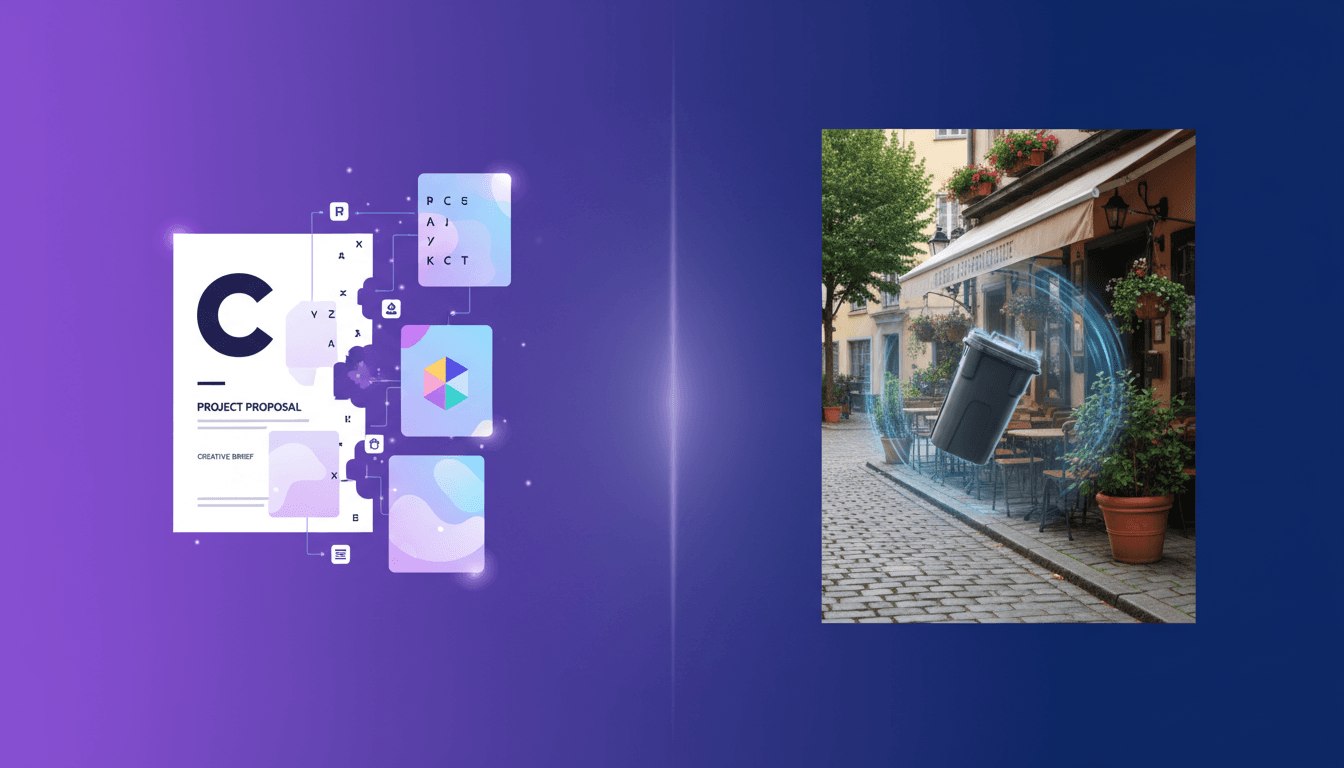
Table of contents
- What is Canva Magic Layers?
- Why people search for a Magic Layers alternative
- Top Magic Layers by Canva alternatives in 2026
- Feature comparison table
- When to pick Magic Layers vs Imgezy
- How to remove objects from a real photo in 5 seconds
- Pricing compared: what you actually pay per image
- FAQ
What is Canva Magic Layers?
Magic Layers is Canva's AI feature that converts a flat PNG or JPG into an editable, multi-layer Canva document. The AI reverse-engineers the image, separates text, objects, people, and background into distinct layers, then fills in whatever was hidden underneath so each piece can be moved or replaced. It launched in public beta on March 11, 2026, and hit #13 on Product Hunt on April 22, 2026, with 100+ upvotes.
According to Canva's newsroom post, the feature works best on graphic designs, illustrations, and stylized AI outputs from tools like ChatGPT, Gemini, or Canva AI. It is not designed for editing realistic photographs. It is available on Canva Free, Pro, and Business, but each run counts against a shared monthly premium-AI allowance.
Why people search for a Magic Layers alternative
Three patterns keep showing up in Product Hunt comments and Reddit threads about Magic Layers:
- "It's for graphics, not photos." Users who need to clean a real photograph — remove a photobomber, swap a background on a product shot — report inconsistent results because Magic Layers targets layered design files, not photographic objects.
- "The credit cap is tight." Magic Layers shares a monthly allowance with every other premium AI tool in Canva. Power users burn through it fast, especially on Free and Pro tiers.
- "Commercial use is muddy." Canva's terms cover most AI outputs, but Pro users on Reddit still ask whether edited AI images are safe to sell as stock or print-on-demand designs. Dedicated photo-editing tools often publish a clearer commercial license.
If any of those three show up in your workflow, a Magic Layers alternative is worth a look.
Top Magic Layers by Canva alternatives in 2026
1. Imgezy — best for real-photo editing and object removal
Imgezy is an AI photo editor built specifically for photographic edits rather than design layer extraction. Over 200,000 users have run more than 1 million object removals through it, and the average edit takes about 5 seconds.
It runs on a stack of current models — Nano Banana Pro, Nano Banana AI, Seedream 4.5, Flux Kontext, and Qwen Image Edit — and covers object removal, background replacement, photo enhancement, smart repair, and batch processing.
- Best for: e-commerce product photos, real estate listings, travel photos with photobombers, personal photo cleanup, batch runs.
- Not ideal for: deconstructing an AI-generated poster into editable text and shapes (that's what Magic Layers is for).
2. Canva Magic Layers — best for editing AI-generated graphics
Magic Layers is the easiest way to re-enter an AI graphic you can no longer change. Upload the flat file, wait a few seconds, and every title, sticker, or subject becomes a movable Canva layer.
- Best for: editing ChatGPT- or Gemini-generated posters, social graphics, stylized illustrations, old flattened designs.
- Not ideal for: photographic object removal, background replacement on real photos, bulk processing across folders.
3. Photoroom — best for e-commerce background replacement at scale
Photoroom is strong on product photography workflows and mobile use. Its API and Shopify integration make it popular with sellers who cut backgrounds at volume.
- Best for: sellers who need a dedicated background-remover API and marketplace-ready templates.
- Not ideal for: general-purpose photo cleanup (object removal is less flexible than Imgezy) and layered design editing.
4. Pixelcut — best for mobile-first quick edits
Pixelcut is a mobile app with solid background removal and quick retouch. Suits creators who edit on their phone.
- Best for: quick mobile edits, single product shots.
- Not ideal for: heavy batch workflows, precise object removal on complex backgrounds.
Feature comparison table
Quick answer: Imgezy is the closest Magic Layers alternative if your real work is editing photos rather than AI-generated graphics. For Canva-native graphic deconstruction, Magic Layers still wins.
| Feature | Canva Magic Layers | Imgezy | Photoroom | Pixelcut |
|---|---|---|---|---|
| Primary focus | Layer extraction from graphics | Real-photo editing | Background removal | Mobile retouch |
| Object removal from real photos | Limited | Yes (Pro-grade, 1M+ runs) | Basic | Basic |
| Background replacement | Via layer edit | One-click prompt | One-click | One-click |
| Photo enhancement | No | Yes | Limited | Yes |
| Batch processing | No | Yes | Yes (paid) | Limited |
| Supported input | PNG, JPG | JPG, PNG, WebP | JPG, PNG | JPG, PNG |
| Average edit time | 10–30 s | ~5 s | ~10 s | ~10 s |
| Commercial license | Bundled in Pro/Business | Included in Pro plan | Paid tier only | Paid tier only |
| Free tier | Yes (shared AI quota) | Free trial credits | 1 export/day | Free with watermark |
When to pick Magic Layers vs Imgezy
The clearest way to choose: start with your source file.
- Your source is an AI-generated design (poster, social graphic, flyer) you need to re-edit. Magic Layers is built for exactly this — it separates text, subject, and background into Canva layers you can re-arrange without regenerating.
- Your source is a real photograph — a product shot, wedding photo, Airbnb listing, graduation picture. Imgezy is the better fit. Object removal on real photos needs models trained on photographic context, which is what the Nano Banana Pro and Seedream 4.5 stack in Imgezy targets.
- You need bulk throughput. Neither tool is unlimited, but Imgezy's Pro plan ($19.99/month for ~250 images plus commercial license) costs less per image than Canva Pro once you split the shared premium-AI quota across every AI feature. For 100+ image runs, Imgezy's batch mode matters.
- You want unified design + edit in one tool. Magic Layers wins because the output stays inside Canva next to templates, brand kits, and your existing team files.
- You want a dedicated photo workflow. Imgezy wins because every feature is a photo operation rather than a design operation.
How to remove objects from a real photo in 5 seconds
This is the clearest gap in the Magic Layers workflow: cleanly deleting a person, car, or wire from a photographic image while reconstructing the background. Here's how it works in a real-photo tool.
- Pick your source file. JPG, PNG, or WebP all work. For product shots, use the highest resolution you have — AI fill quality scales with input detail.
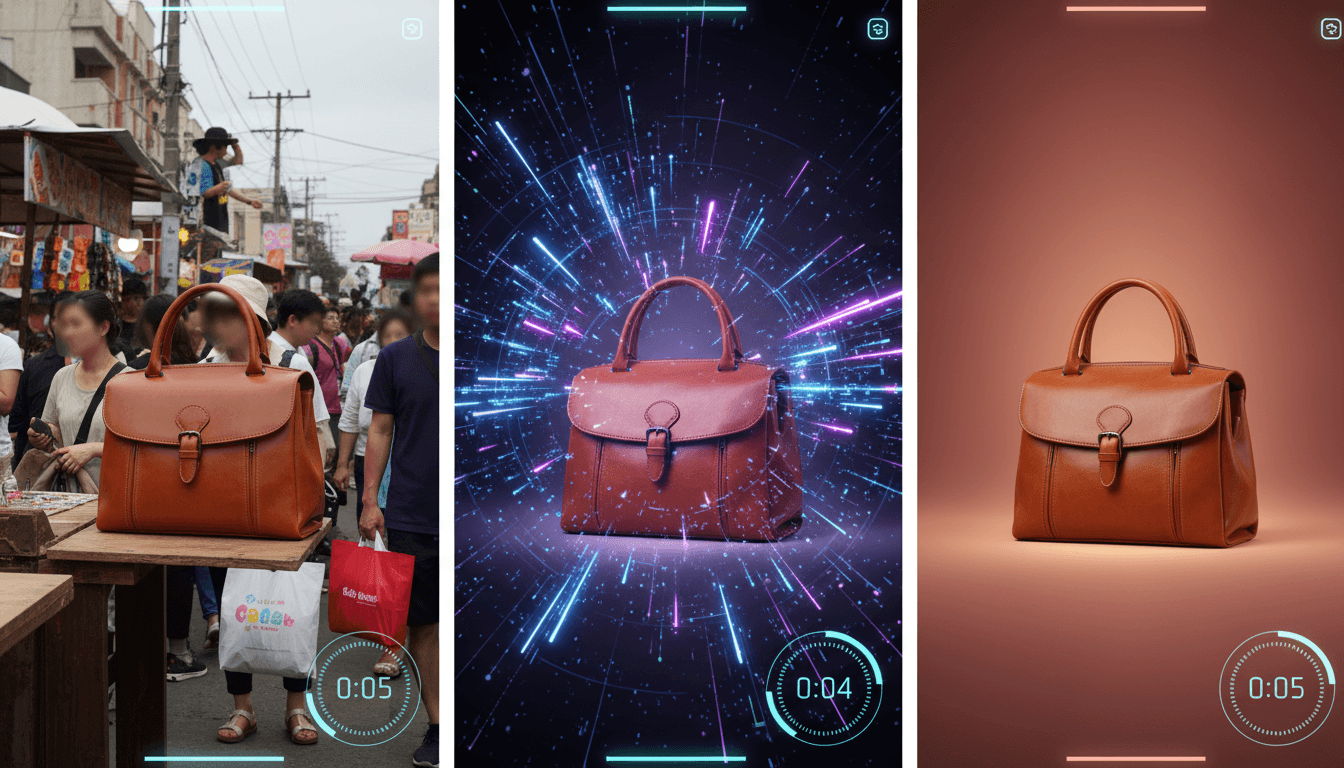
- Upload the photo to Imgezy and describe what to remove in plain language. "Remove the tourist behind the bride" or "Delete the power line in the top left" is enough.
- Preview and compare. Imgezy renders edits in about 5 seconds. Zoom into the edges to check for halo artifacts — if anything looks off, rephrase the prompt or mask the area more tightly.
- Batch more photos. Prepping 30 Shopify product shots? Queue them together. One prompt ("remove background, replace with clean studio gray") runs across the set.
- Download the high-res output. Pro plan users get a commercial license attached, so the edit is safe in paid listings or client deliverables.
Compare that to Magic Layers: for an AI-generated product mockup, the Magic Layers flow is upload → wait for layers → drag the subject to a new background → export. For a real photograph, it is not the right tool.
Pricing compared: what you actually pay per image
| Plan | Monthly | Included edits | Commercial license | Effective cost per image |
|---|---|---|---|---|
| Canva Pro | $15/mo | Premium AI shared quota (tens of runs) | Yes | ~$0.50–$1.00+ once split across AI tools |
| Canva Business | $20/user/mo | Larger shared quota | Yes | ~$0.30–$0.80 |
| Imgezy Basic | $9.99/mo | 80 credits ≈ 40 images | Standard | ~$0.25 |
| Imgezy Pro | $19.99/mo | 500 credits ≈ 250 images | Yes (commercial) | ~$0.08 |
| Photoroom Pro | ~$13.99/mo | Unlimited removals | Yes | Varies by workflow |
Imgezy Pro comes out lowest per image if you run photo edits frequently. Canva wins if you already use it for everything else and want to avoid another subscription.
FAQ
Is there a free Magic Layers by Canva alternative?
Yes. Imgezy offers free trial credits at signup, Photoroom has one free export per day, and Pixelcut offers free edits with a watermark. If your use case is object removal or background replacement on real photos, Imgezy's trial is the closest free equivalent to Magic Layers with a photo-first focus.
What is the best Magic Layers alternative for e-commerce sellers?
Imgezy for object removal and background replacement on product photos; Photoroom if you specifically want Shopify integration and an API. Imgezy's Pro plan includes a commercial license at $19.99/month, which covers most marketplace listings.
Can Magic Layers edit real photos?
Not reliably. Canva's own documentation says Magic Layers "works best with graphic designs, illustrations, and stylized visuals," not realistic photographs. For photo editing, use a dedicated AI photo editor like Imgezy.
Does Magic Layers work with AI images from ChatGPT or Gemini?
Yes. Magic Layers was built to reopen flattened AI outputs from any generator, including ChatGPT and Gemini, and convert them back into editable Canva layers.
Is Magic Layers included in the free Canva plan?
Magic Layers is available on Canva Free, Pro, and Business, but each run counts toward a monthly premium-AI allowance shared across every premium AI tool. Free users run out fast.
How do I get a commercial license for Magic Layers output?
Canva's license covers most commercial uses when you are on Pro or Business and generate the image inside your account. For tighter guarantees, review Canva's Content License Agreement or use a tool with a dedicated commercial license such as Imgezy Pro.
What about mobile alternatives?
Pixelcut and Photoroom both have strong mobile apps. Imgezy runs in the browser and works on mobile web, which covers most on-the-go edits without an install.
Ready to clean up real photos the way Magic Layers cleans up graphics? Try Imgezy free → — remove objects, swap backgrounds, enhance quality in about 5 seconds. No design skills needed, commercial license available on Pro.