

Instruction-Following AI Image Editing: From Play to Production
AI image editing is quietly crossing a threshold. We’re moving from “prompt roulette” to instruction-following systems that can preserve composition, lighting, and identity while applying surgical edits—and do it fast enough to iterate in real time. For creative teams, commerce, and product designers, this shift is less about flashy demos and more about dependable workflows.
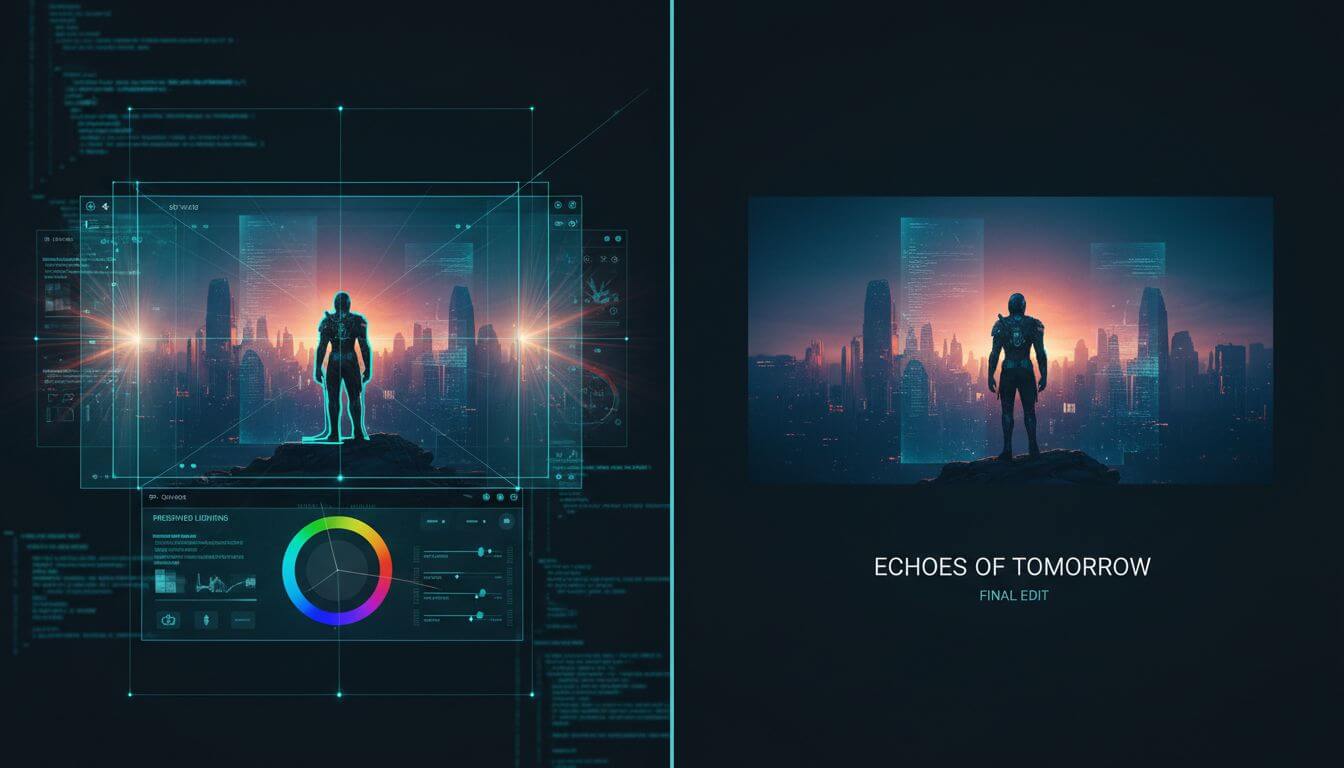
Table of contents
- Why instruction-following matters
- From play to production workflows
- Text rendering, layout, and brand safety
- An end-to-end pipeline that actually ships
- How to evaluate: speed, fidelity, adherence
- Limitations and how to mitigate them
- FAQ
- Conclusion
Why instruction-following matters
Instruction-following models reduce the gap between intent and output. Rather than repainting entire images, they modify only what you specify while keeping fragile context intact.
What “good adherence” looks like
- Edits are local: background, lighting, lens characteristics, and pose are preserved.
- Identity stays stable across steps: the subject looks the same after multiple edits.
- Compositional relationships survive: relative positions and scale remain consistent.
- Iterations are fast: 2–4x speedups mean you can branch ideas without blocking a session.
Why this unlocks value
- Photo cleanup that doesn’t smudge: object removal with clean inpainting and texture carryover.
- Try-ons and product variants: believable materials, consistent shadows, controllable colorways.
- Concept transformations: adding text and layout while retaining the original “feel.”
From play to production workflows
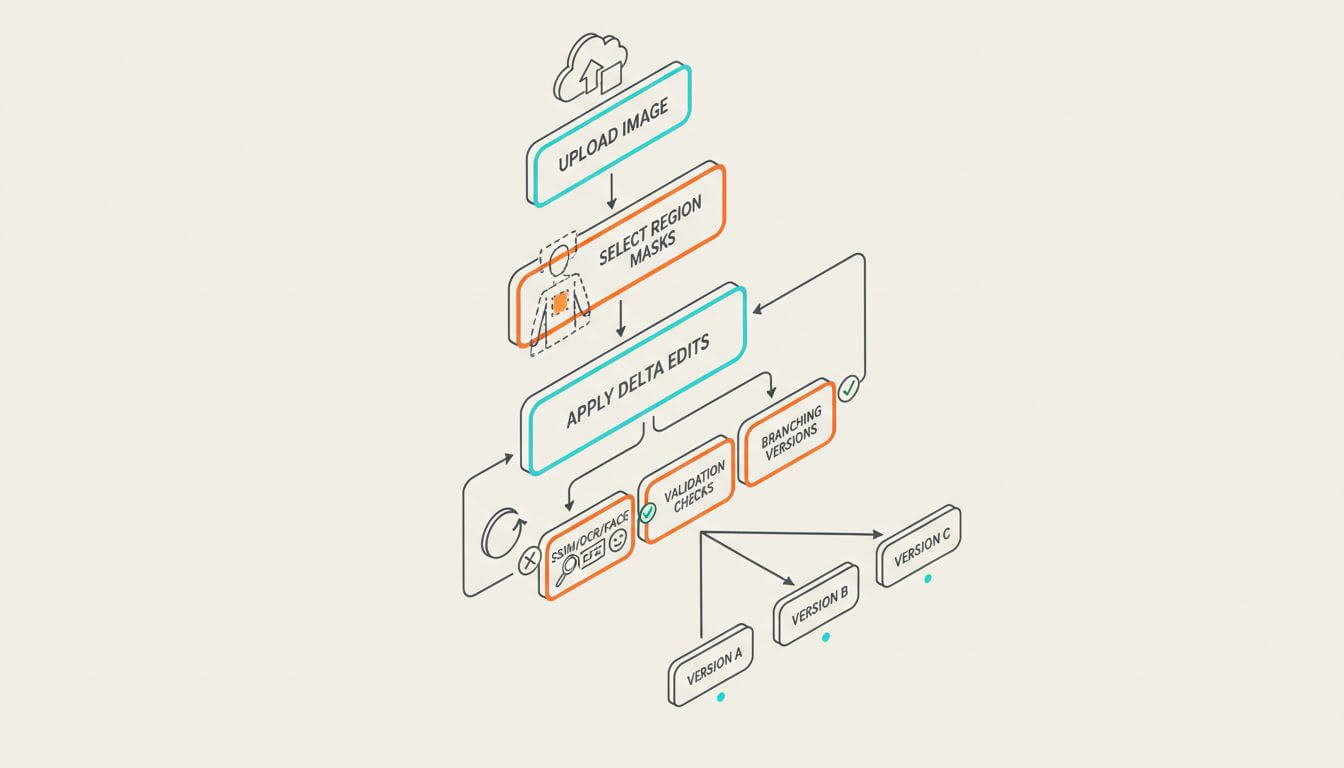
The biggest practical change is that you can now build stable loops: upload → instruct → review → re-instruct—without the image “drifting.”
Tactics for precise edits
- Constrain the change set: name what must not change ("preserve lighting, DOF, and framing").
- Use explicit selection: masks, bounding boxes, or natural language pointers ("remove the person on the left") increase reliability.
- Iterate with deltas: avoid re-prompting from scratch; describe only the delta ("add glare to the glass, keep everything else").
- Establish anchors: specify brand color codes, font families, or style IDs to stabilize looks.
Versioning for creative exploration
- Fan-out early: branch 4–8 lightweight variants before you commit to a direction.
- Lock winning attributes: once you like a composition, lock camera and lighting, then iterate on content.
- Use seed control and stateful edits: small seed tweaks often outperform full re-generation.
Text rendering, layout, and brand safety
High-density text and tight layout used to be a weak spot. Newer models can handle small fonts and complex grids more reliably—but you still need good process.
Make text stick
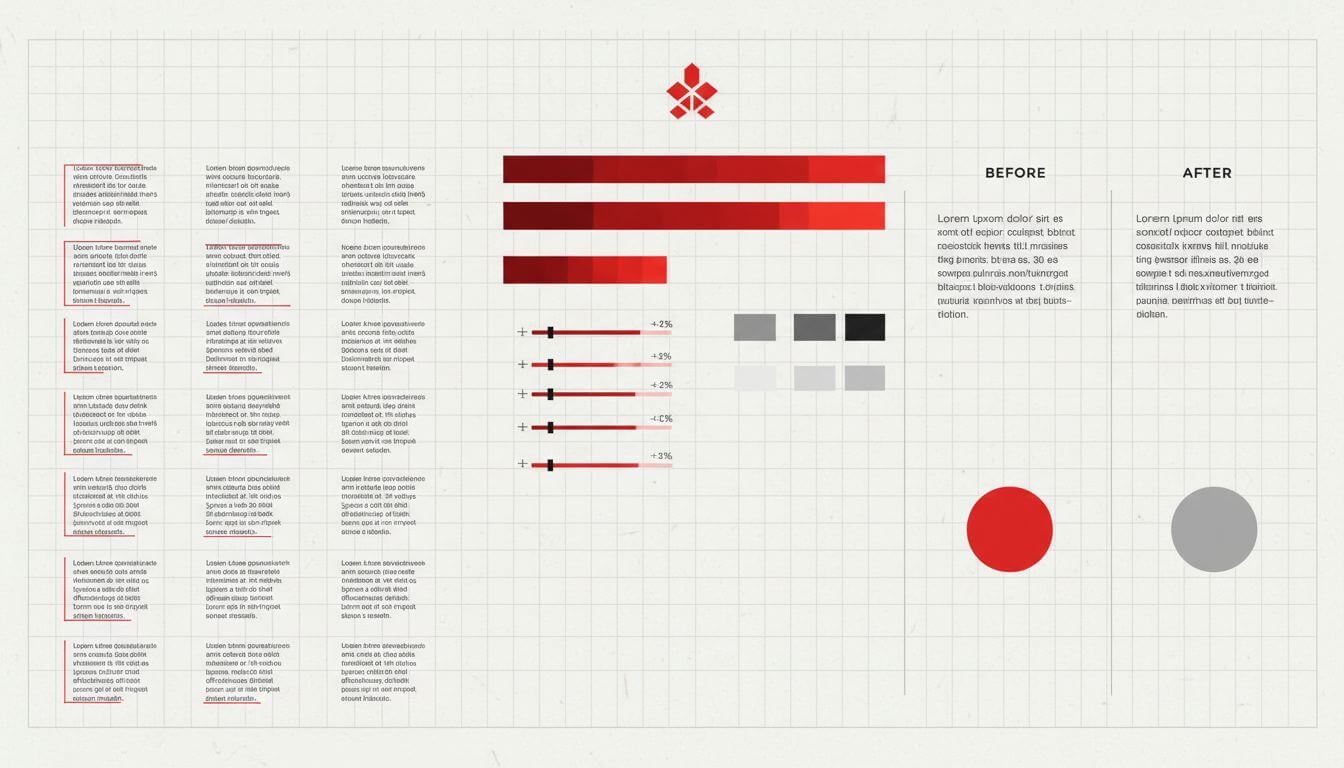
- Provide the exact text payload separately from style cues; keep quotes and capitalization literal.
- Constrain the layout: define a grid or zones (header, body, caption) and specify alignment.
- Prefer common, well-hinted fonts for tiny sizes; reduce kerning surprises at small pt sizes.
Preserve brand elements
- Keep vector logos as overlays when you can. For edited areas, prompt with a high-res logo crop.
- Use color tolerances ("Pantone 7621 C within ±2%") to bound acceptable results.
- Add a verification step: run a logo/brand color detector post-edit to guard drift.
An end-to-end pipeline that actually ships
Here’s a practical pattern we see working across teams.
1) Ingest and preflight
- Normalize images to a target size and color space (sRGB, embedded profile).
- Detect faces, logos, and key props; store geometry and descriptors for later checks.
2) Instruction planning
- Decompose requests: edit intent → regions → constraints → acceptance tests.
- Author prompts with preservation clauses ("do not alter camera metadata, reflections, or shadows").
3) Edit application
- Apply local masks first, then global transforms (style, color grading).
- Chain small changes: many precise steps beat a single sweeping instruction.
4) Post-edit validation
- Compute similarity on protected regions (SSIM/LPIPS against untouched areas).
- Re-run face/brand detectors; compare embeddings against baselines.
- OCR text blocks; diff against the requested copy for exactness.
5) Batch and human-in-the-loop
- Auto-approve green paths; route low-confidence cases to reviewers.
- Keep edit graphs: every node = an instruction delta, for reproducibility.
How to evaluate: speed, fidelity, adherence
- Latency: capture P50/P95 across edit sizes; measure time-to-first-preview.
- Local preservation: SSIM/LPIPS on masked “should-not-change” regions.
- Instruction adherence: binary checks (pass/fail) for each instruction atom.
- Text correctness: OCR exact-match rate; font/weight classification accuracy.
- Identity stability: face embedding distance across edit chains.
Tip: run A/B with identical seeds and tight constraints; evaluate with blind human raters for creative quality.
Limitations and how to mitigate them
- Many small faces: crowd scenes may still blur. Mitigation: upscale + face enhancement pass.
- Scientific or schematic accuracy: models can hallucinate. Mitigation: overlay verified vectors.
- Multilingual typography: low-resource scripts struggle at tiny sizes. Mitigation: larger type, font fallback.
- Style extremes: pushing multiple exotic styles at once can break composition. Mitigation: stage styles sequentially.
FAQ
Can these models do layout like a designer?
They can approximate layout well if you define grids and zones, but for production collateral, pair them with lightweight template engines.
How do I keep a subject’s likeness across edits?
Use a single-source reference, keep camera/lighting locked, and measure face embedding drift between steps.
What about legal and brand safety?
Automate checks (logo similarity, color deltas, OCR), maintain audit trails, and require human review for high-risk assets.
When should I choose editing vs full re-generation?
Edit when you like 70–80% of the image and need localized changes. Regenerate for composition resets or when global lighting must change.
Conclusion
Instruction-following image models mark a practical turning point: precise, fast edits that respect what matters in the photo. The teams that win won’t just prompt better—they’ll standardize constraints, validate automatically, and iterate quickly with human judgment where it counts.
If you need AI photo editing, object removal, or background replacement, you can try Imgezy.